They reset on a rolling 24-hour window — or upgrade to Pro now.
No signup required
No file storage
3 free downloads/day
For educators saving fair-use clips, creators archiving their own uploads, researchers preserving sources, and podcasters grabbing audio before it disappears.
Only download videos you are legally allowed to download — your own uploads, public-domain works, Creative Commons material, content you have the rights holder’s permission to save, or anything that qualifies under fair use or another exception in your jurisdiction. You are responsible for confirming you have that right. See Acceptable Use.
Download YouTube Shorts — Free, No Watermark
Save any YouTube Short as a clean MP4 in its original quality. TubePull runs in your browser — no ads, no watermark, no signup, no install. Shorts use the same pipeline as regular YouTube downloads, so it just works.
How to download a YouTube Short
Find the Shorts URL.
Open the Short and tap Share → Copy link, or copy the youtube.com/shorts/ URL from your browser.
Paste it on TubePull.
Drop the Shorts link into the box on the homepage downloader.
Download MP4.
Click Download and save the MP4 to your phone or computer. No install, no extension.
Why download Shorts with TubePull
Watch offline. Keep Shorts on your device for flights, commutes, or anywhere without signal.
No watermark. You get the original MP4 — no TubePull stamp, no overlay added.
Original quality. The vertical MP4 saves exactly as the creator uploaded it, with no re-encoding loss — usually up to 1080p vertical.
Repost & remix. Save your own Shorts to re-edit, cross-post, or archive your back catalog.
Same clean, watermark-free file either way.
Works with every Shorts link
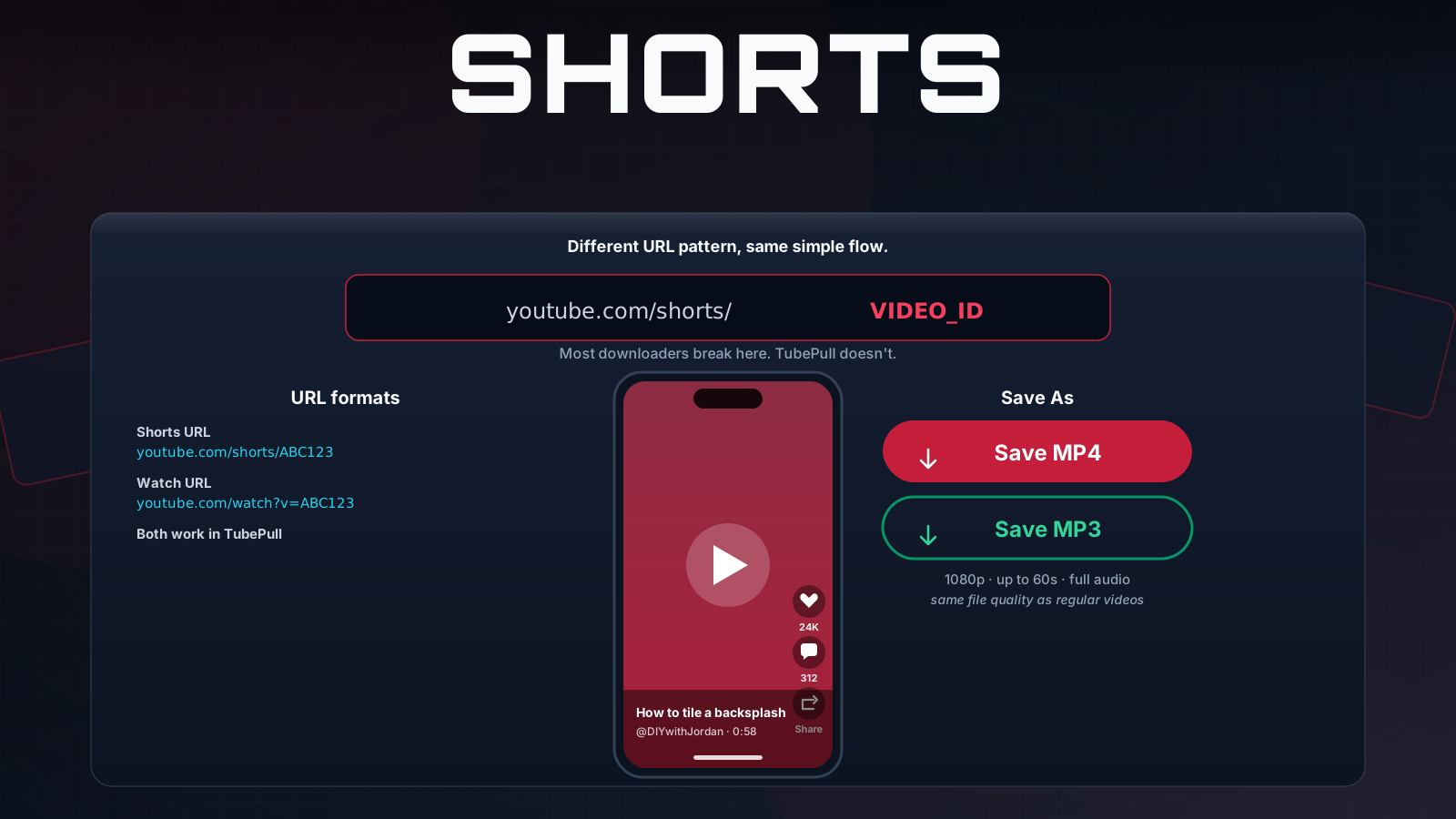
TubePull accepts both Shorts URL formats — youtube.com/shorts/<id> and the shortened youtu.be/shorts/<id> — as well as the regular youtube.com/watch?v= form a Short sometimes resolves to. Paste whichever you have; TubePull normalises it automatically.
Shorts run through the exact same YouTube downloader pipeline, so every quality and format option available for regular videos is also available for Shorts.
Frequently asked questions
Is downloading YouTube Shorts free?
Yes. TubePull gives you three downloads per day free, with no ads. Pro downloads, batch URL support, and the highest qualities are available on the Pro plan.
What quality do downloaded Shorts come in?
TubePull saves Shorts in their original quality as an MP4 — usually up to 1080p vertical depending on what the creator uploaded. The file plays everywhere with no re-encoding loss.
Can I download Shorts on my phone?
Yes. TubePull is a web app, so it works in Safari on iPhone and iPad and in Chrome on Android — no app or extension. Paste the Shorts link and the MP4 saves to your device: the Files app on iPhone, the Downloads folder on Android.
Will the downloaded Short have a watermark?
No. TubePull saves the original MP4 exactly as it was uploaded — no TubePull watermark and no overlay added. (YouTube does not stamp Shorts the way some other apps do, so the file stays clean.)
Is it legal to download YouTube Shorts?
Only download Shorts you have the legal right to save — your own uploads, public-domain clips, Creative Commons content, or videos you have explicit permission to download. See our guide on whether it is legal to download YouTube videos and always review YouTube's Terms of Service first.
Can I download several Shorts at once?
Batch URL support — pasting multiple links at once — is part of the Pro plan. On the free tier you download Shorts one at a time, up to the daily limit.