Real 1440p / 2K / QHD · Video + audio merged · No ads · No fake buttons.
What 1440p (2K) gives you over 1080p
1440p packs 2560×1440 pixels into the frame — about 78% more than 1080p's 1920×1080. On a 1440p or 4K monitor, a high-DPI laptop screen, or any large display, that extra detail is genuinely visible: text in tutorials is sharper, gaming and nature footage holds finer texture, and the picture stays clean when you sit close to the screen. On a phone the gap is much harder to notice, so 1440p is best thought of as the resolution for desktop and big-screen viewing. The trade-off is file size — a 1440p download is larger than 1080p but still far smaller than 4K, which is exactly why it is such a popular middle ground.
As with 4K, YouTube stores 1440p as a video-only stream encoded in VP9 or AV1, separate from the audio. To get a playable file you have to fetch the correct video stream, fetch a matching audio stream, and mux the two together. TubePull does all of that on our servers and hands you a single standard MP4, so what you download plays immediately in any modern player rather than arriving as a silent video or two mismatched pieces.
Download YouTube in 1440p with audio
The phrase people search most in this cluster is "1440p with audio" — and for good reason. Because YouTube stores 1440p as a video-only stream, the tools that skip the merge hand you a silent file, or split video and audio into two pieces you are expected to combine yourself. TubePull never does that: every 1440p download arrives as one MP4 with the highest-quality audio already muxed in, ready to play the moment it lands on your phone or computer. There is no ffmpeg, no second file, and no assembly step — you paste the link, pick 1440p, and get 2K video and sound together in a single download.
Why TubePull delivers 2K when others can't
Search "youtube 1440p downloader" or "youtube 2K downloader" and most results either silently cap at 1080p or bury the highest option behind ads and fake buttons. The reason for the cap is technical: 1080p is the best pre-combined ("muxed") stream YouTube provides, and serving 1440p means doing the merge work that a thin, ad-funded tool would rather skip. TubePull was built to deliver the resolutions those tools won't — when a video exists in 1440p, you get 1440p, merged with audio, in one clean MP4.
And the surrounding experience stays clean: zero ads, no pop-unders, no decoy download buttons. The free tier covers three downloads per day at up to 1080p; the $4.99/month Pro plan unlocks 1440p (2K) and 2160p (4K) plus no daily download cap and batch URLs. The subscription — not advertising — funds the hosted servers and residential proxies that keep downloads succeeding through YouTube's frequent player changes. For the side-by-side picture, see our full comparison of YouTube downloaders.
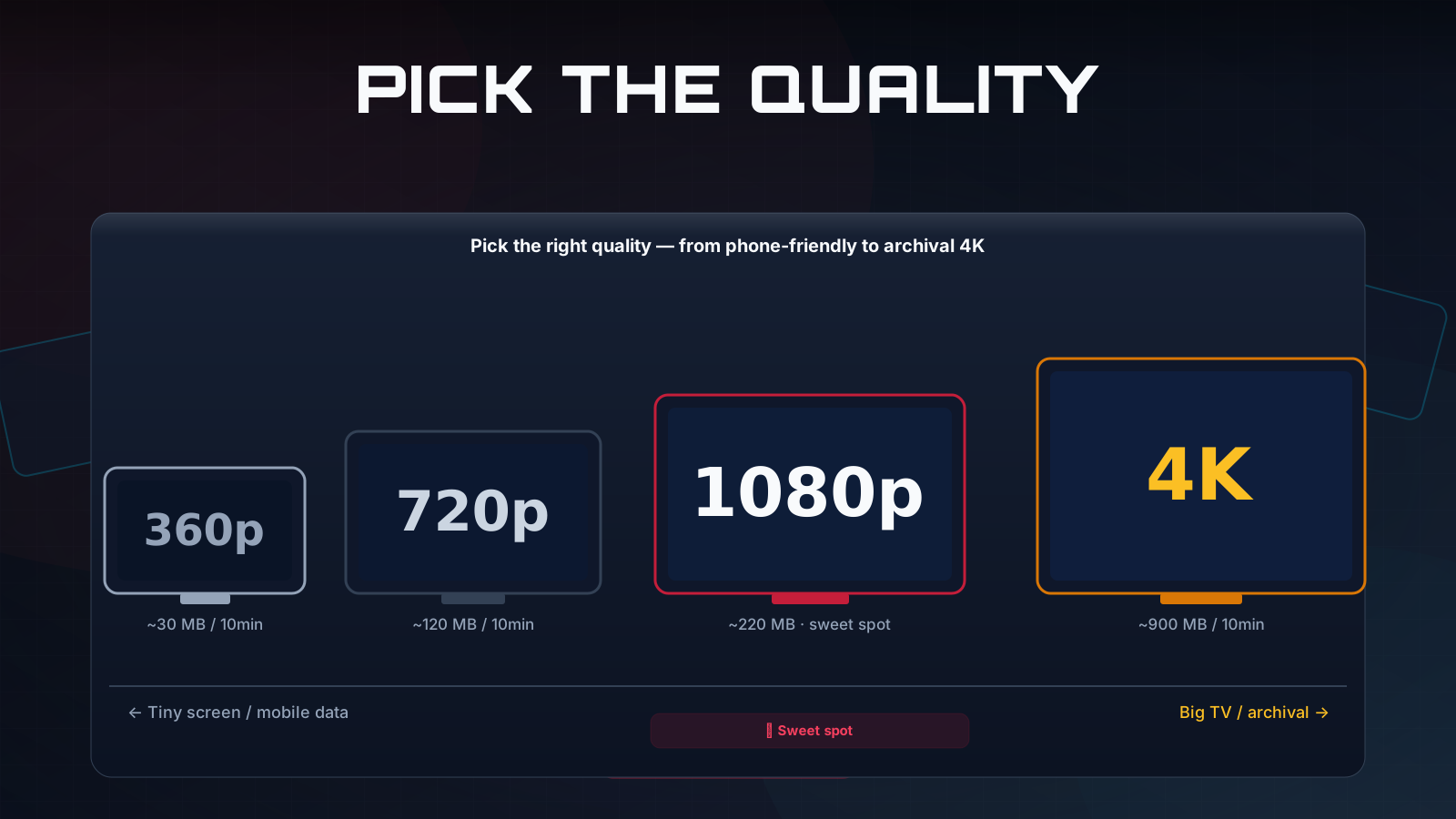
4K, 1440p, or 1080p — which should you pick?
Match the resolution to the source and your screen:
- 2160p (4K) — best when the video was shot in 4K and you will watch on a 4K display or edit the footage. Sharpest and largest. See the YouTube 4K downloader.
- 1440p (2K) — the sweet spot for large monitors and high-DPI laptops: clearly crisper than 1080p without 4K's file size. You are on the right page for it.
- 1080p (Full HD) — the right default for phones, tablets, and general viewing, and the top quality on the free plan. See the YouTube 1080p downloader.
Only need the audio? Use the YouTube to MP3 converter instead.
Download 1440p in Claude, Perplexity, or ChatGPT
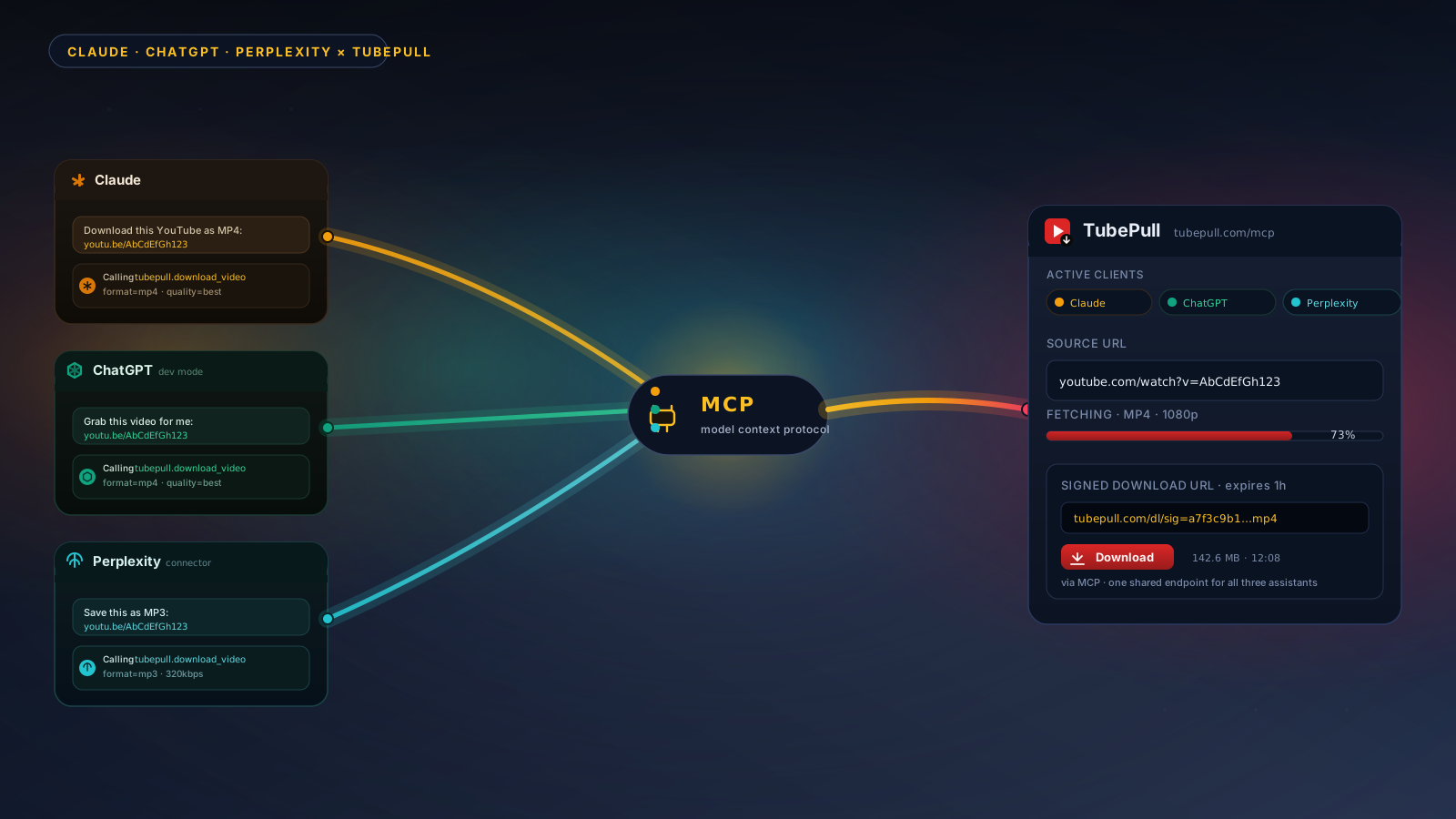
If you work inside an AI assistant, TubePull runs a hosted Model Context Protocol (MCP) server that lets Claude, Perplexity, ChatGPT, and Cursor download YouTube video — including 1440p — directly inside a conversation. Paste a link, ask for 1440p, and the assistant returns a download. No tab-switching, no extension. The same daily quota and Pro gating apply.
TubePull also handles the full YouTube video downloader experience across every resolution and MP3, so one tool covers whatever you need.