Free Full HD · Video + audio merged · No ads · No signup · No fake buttons.
What 1080p (Full HD) is best for
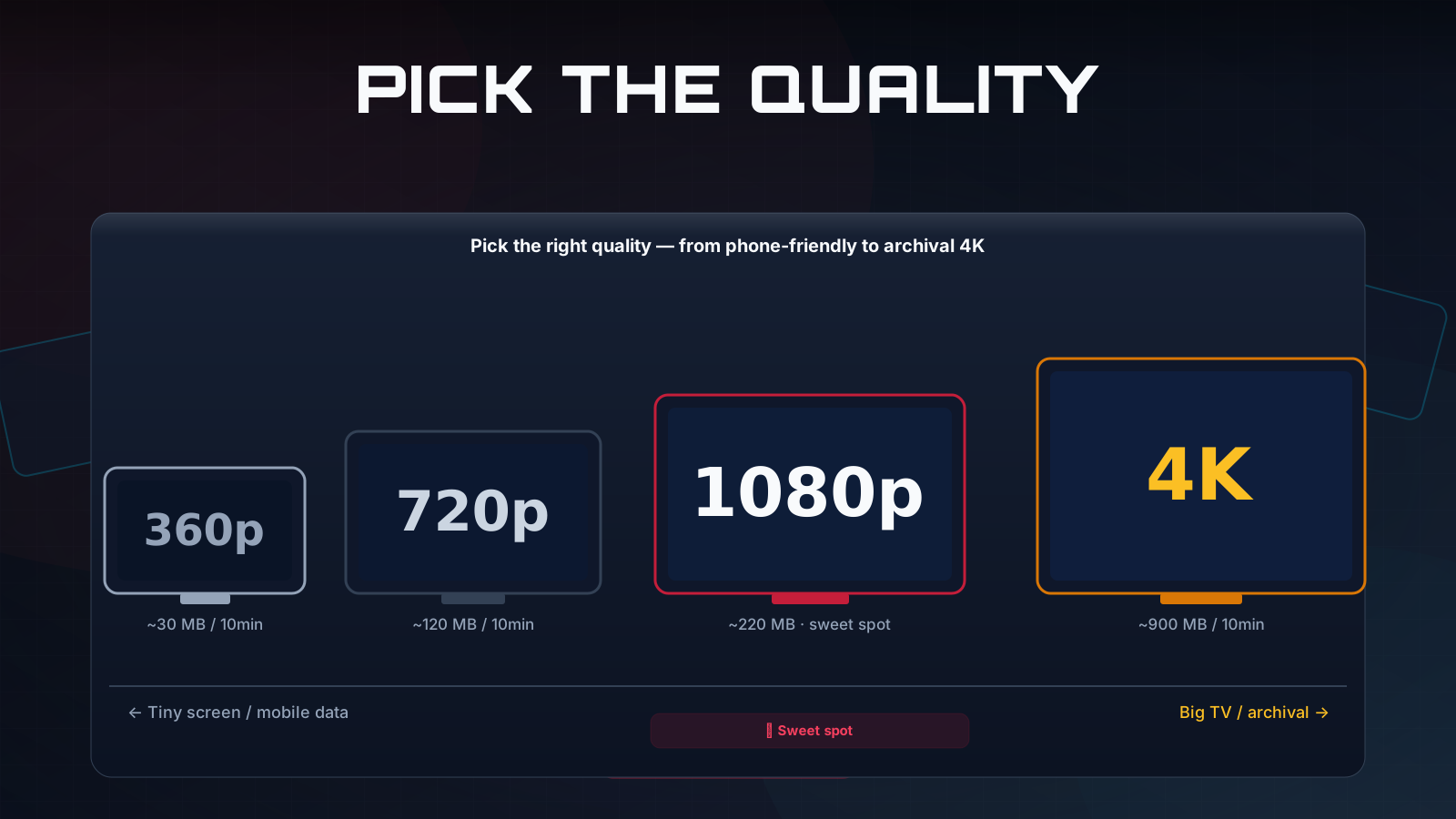
1080p means a 1920×1080-pixel frame — the "Full HD" standard that has been the default for streaming and broadcast for over a decade. It looks crisp on phones, tablets, laptops, and most televisions, and it is the resolution most viewers genuinely need. The reason it remains so popular is balance: 1080p delivers a sharp, clean picture at a fraction of the file size of 1440p or 4K, so downloads finish faster, take less storage, and are far easier to share over messaging apps and email. For saving lectures, tutorials, music videos, or clips to watch offline, 1080p is usually the right call.
It is also the highest quality available on TubePull's free plan, which makes this page the right starting point for most people. You get three 1080p downloads every 24 hours with no signup and no ads — and because TubePull merges the video and audio server-side, the file is ready to play immediately rather than arriving as the silent, video-only stream that some tools hand you.
Free, no ads, no fake buttons
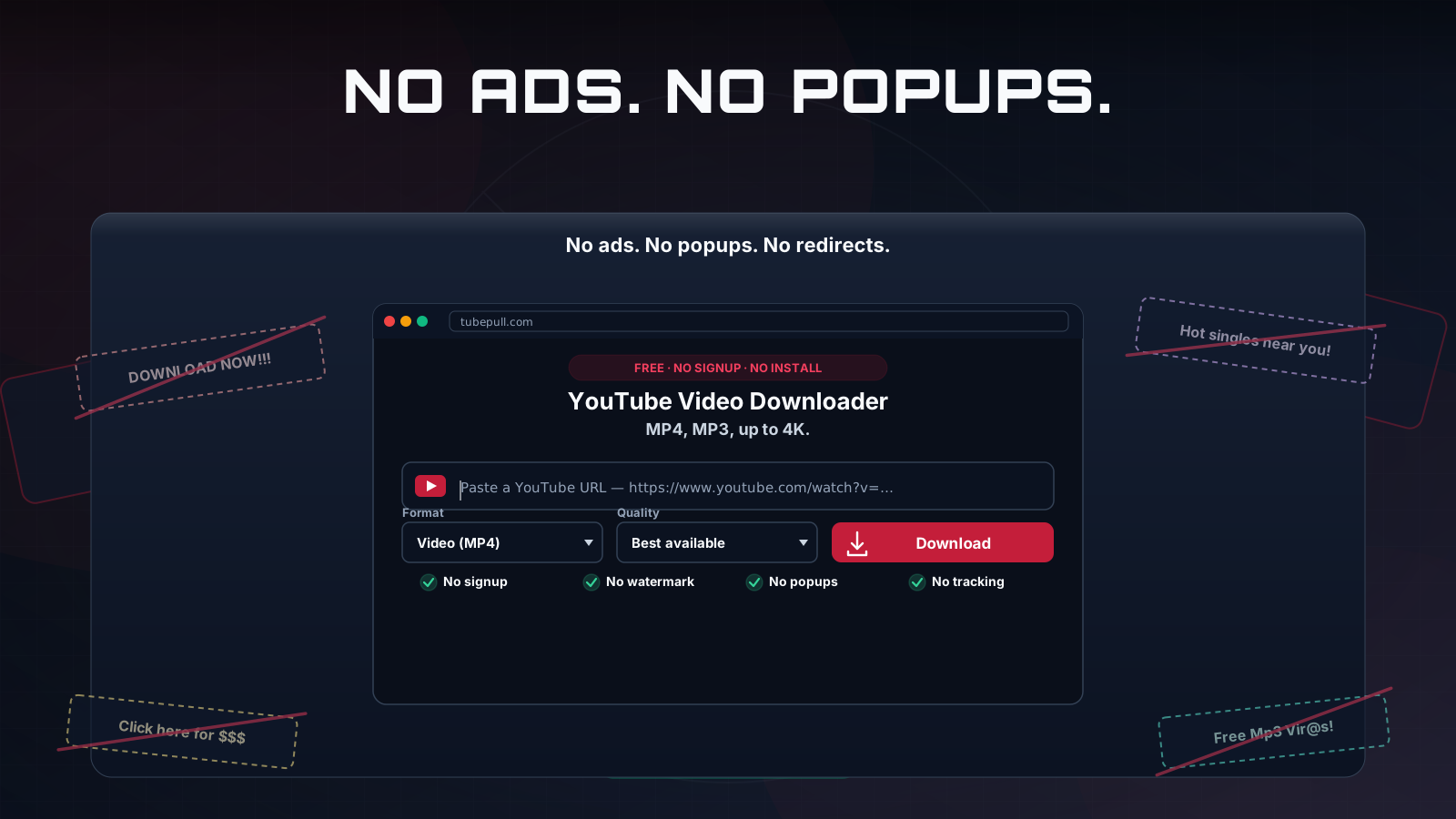
Most of the top results for "youtube 1080p downloader" are ad farms: banner networks, pop-unders, "allow notifications" nags, and decoy Download buttons that bounce you to a software bundler. TubePull is the opposite by design. There are zero ads and zero fake buttons. The free tier — three 1080p downloads per day — is funded not by advertising but by the $4.99/month Pro plan, which is what pays for the hosted servers and residential proxies that keep downloads succeeding when YouTube changes its player. That business model is the whole reason this page does not look or behave like the ad farms that dominate the category. For the side-by-side picture, see our full comparison of YouTube downloaders.
Need more than 1080p? Step up to 2K or 4K
If the creator uploaded a higher resolution and you want every pixel of it, TubePull goes well past Full HD on the Pro plan:
- 1440p (2K) — about 78% more pixels than 1080p; ideal for large monitors and high-DPI laptops. See the YouTube 1440p downloader.
- 2160p (4K) — four times the pixels of 1080p; the choice for 4K displays and editing. See the YouTube 4K downloader.
- Audio only — skip video entirely and grab a clean MP3 with the YouTube to MP3 converter.
This is the gap that sets TubePull apart from competitors that cap at 1080p: when the source has more to give, you can actually get it.
Download 1080p in Claude, Perplexity, or ChatGPT
If you work inside an AI assistant, TubePull runs a hosted Model Context Protocol (MCP) server that lets Claude, Perplexity, ChatGPT, and Cursor download YouTube video directly inside a conversation. Paste a link, ask for 1080p, and the assistant returns a download — no tab-switching, no extension, same free daily quota.
TubePull also handles the full YouTube video downloader experience across every resolution and MP3, so one tool covers whatever you need.