Real 2160p (UHD) · Video + audio merged · No watermark · No ads · No fake buttons.
What "4K" actually means on YouTube
4K on YouTube means 2160p — a frame that is 3840×2160 pixels, roughly four times the pixel count of 1080p Full HD. Creators who shoot on modern cameras, phones, and screen-capture tools increasingly upload in 4K, and for that footage the difference is obvious on a large display: sharper text in tutorials, cleaner gradients in nature and gaming footage, and far more detail to work with if you are editing or re-framing later. The catch is that 4K only exists if the creator uploaded it. No downloader — TubePull included — can manufacture resolution that was never recorded. The first thing to check is always YouTube's own quality menu: if 2160p is listed there, you can pull it here.
It is also worth knowing how YouTube stores those high-resolution streams. For 1440p and 2160p, YouTube splits the video and audio into separate files using the VP9 or AV1 video codecs. A playable download requires fetching the right video-only stream, fetching a matching audio stream, and muxing the two together. TubePull handles all of that server-side and packages the result as a standard MP4, so what lands on your device is a single file that plays everywhere — not a silent video or a pair of mismatched parts you have to assemble yourself. In other words, when you search for a "youtube mp4 4k" download, this is the page that actually delivers it: a real 2160p MP4, audio included.
Why TubePull beats 1080p-capped competitors for 4K
The single biggest gap in this category is honesty about resolution. The most prominent free YouTube downloaders advertise "HD" but, when you actually use them, cap downloads at 1080p — because that is the highest pre-merged stream YouTube serves and merging higher streams takes real server-side work. For anyone who specifically wants 4K, that is a dead end dressed up as a feature. TubePull was built to close exactly that gap: when a video exists in 2160p, you get 2160p, merged with audio, in one file. There are no fake "4K" buttons that deliver a 1080p file with a misleading label, and no upscaling tricks.
On top of true 4K, the rest of the TubePull experience is deliberately clean: zero ads, no pop-unders, no "allow notifications" prompts, and no decoy download buttons that bounce you to a software bundler. The free tier covers three downloads per day at up to 1080p; the $4.99/month Pro plan unlocks 2160p (4K) and 1440p (2K) along with no daily download cap and batch URLs. That subscription — not advertising — is what funds the hosted servers and residential proxies that keep large 4K downloads succeeding even when YouTube changes its player. For the side-by-side picture, see our full comparison of YouTube downloaders.
4K, 1440p, or 1080p — which should you pick?
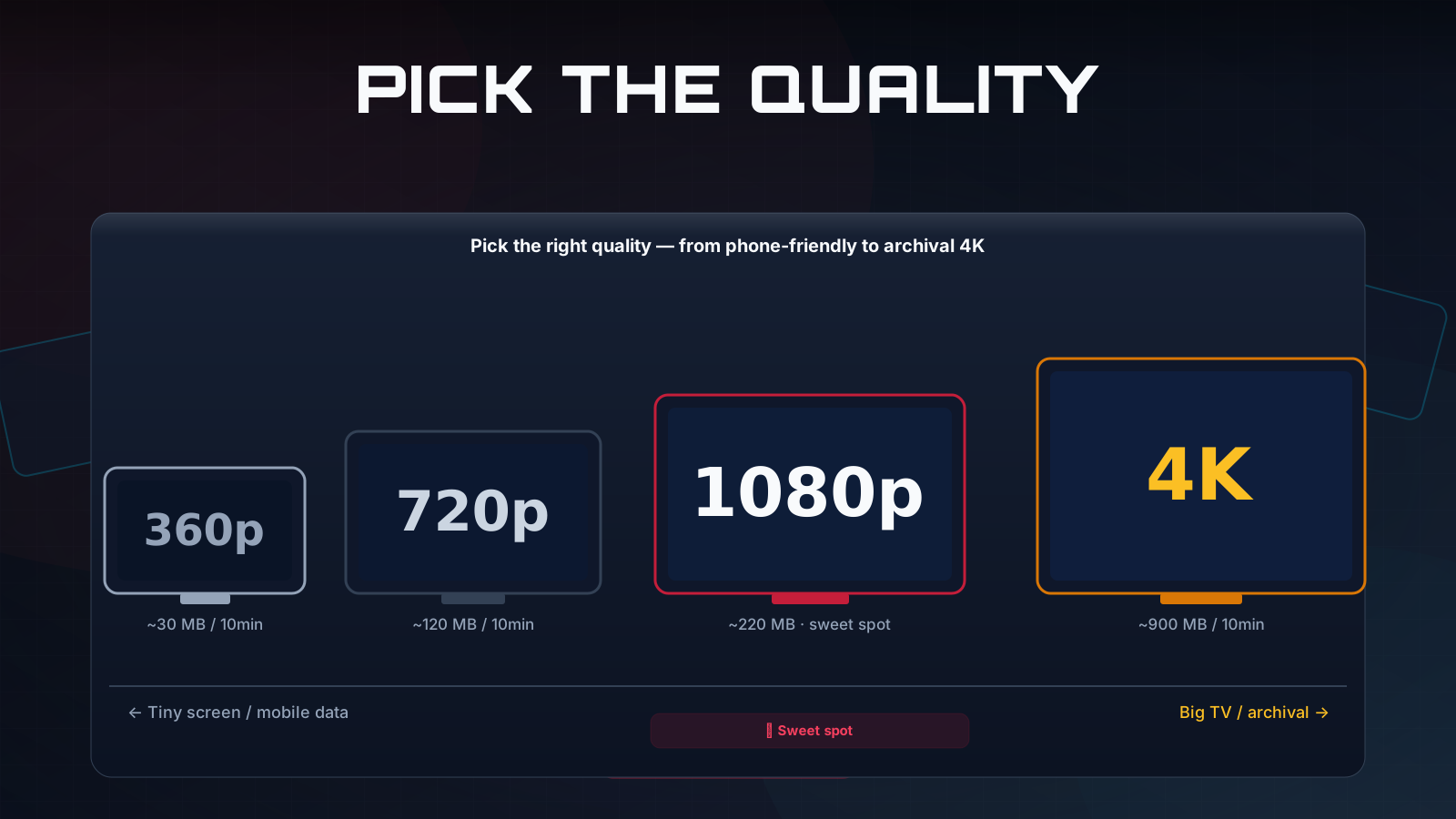
Higher is not always better; the right resolution depends on the source, your screen, and what you plan to do with the file:
- 2160p (4K) — choose this when the video was genuinely shot in 4K and you will watch on a 4K display or edit the footage. It is the sharpest option and the largest file.
- 1440p (2K) — a strong middle ground for large monitors and high-DPI laptops; noticeably crisper than 1080p at a fraction of 4K's file size. See the dedicated YouTube 1440p downloader.
- 1080p (Full HD) — the right default for phones, tablets, and general viewing, and the highest quality on the free plan. See the YouTube 1080p downloader.
If you only need audio, skip resolution entirely and use the YouTube to MP3 converter instead.
Download 4K in Claude, Perplexity, or ChatGPT
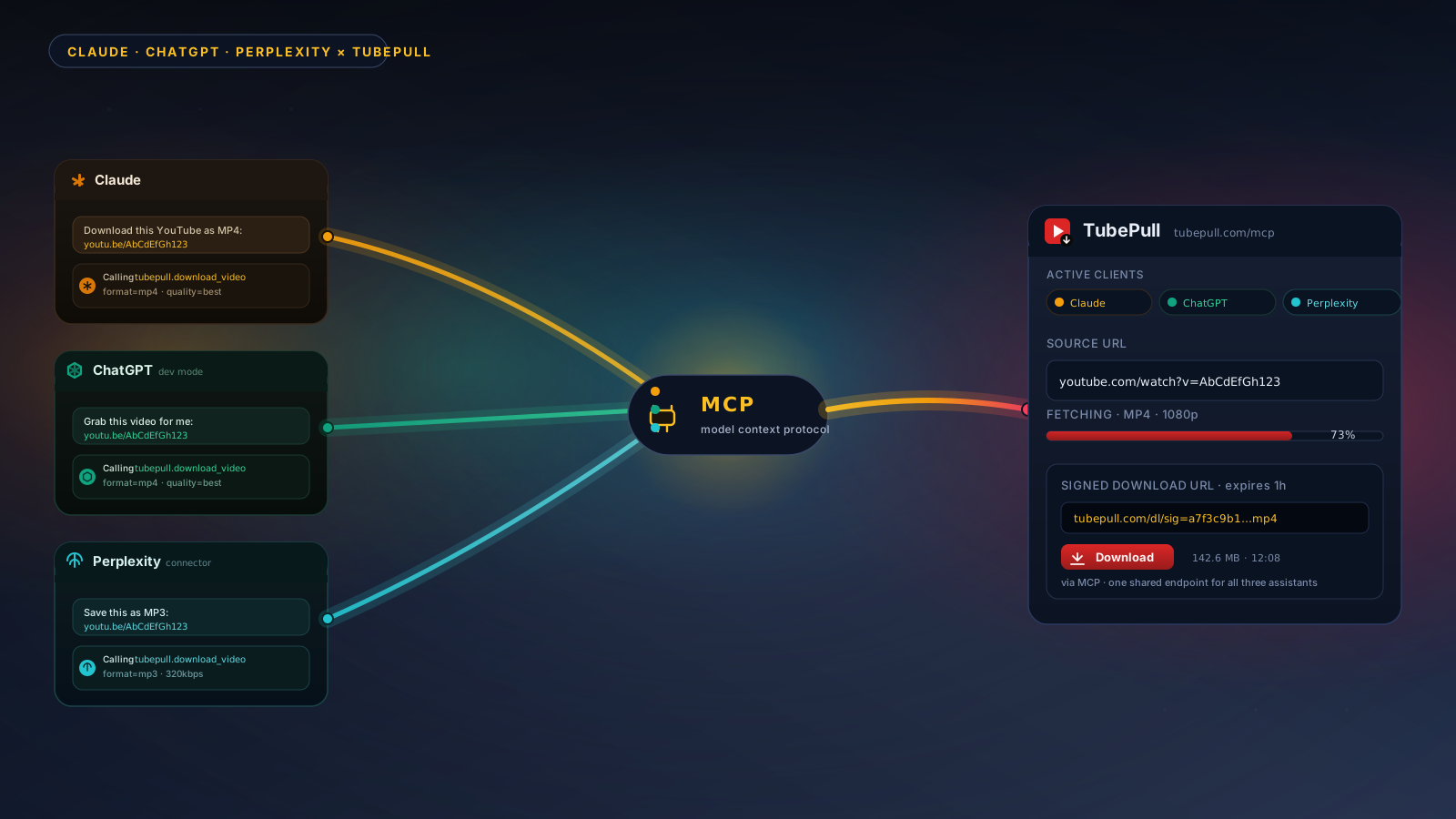
If you work inside an AI assistant, TubePull runs a hosted Model Context Protocol (MCP) server that lets Claude, Perplexity, ChatGPT, and Cursor download YouTube video — including 4K — directly inside a conversation. Paste a link, ask for 2160p, and the assistant returns a download. No tab-switching, no extension. The same daily quota and Pro gating for 4K apply.
TubePull also handles the full YouTube video downloader experience across every resolution and MP3, so one tool covers whatever you need.