Free up to 1080p · Video + audio in one MP4 · No watermark · No ads · No signup.
What "converting" YouTube to MP4 actually does
YouTube already stores most videos in formats that fit inside an MP4 file, so a good converter does not need to re-encode anything. TubePull fetches the stream for the quality you pick and packages it as MP4 with FFmpeg. At 1080p and below it prefers YouTube's H.264 stream when one exists, because H.264 MP4 plays on almost every phone, TV, browser and video editor. Above 1080p YouTube only serves VP9 or AV1 video, and it keeps the audio in a separate stream; TubePull merges the two on the server, so the file you get is still a single MP4 with sound.
Skipping the re-encode matters for two reasons. The picture is exactly what YouTube delivers, with no second round of compression. And the download finishes faster, because the server copies the stream instead of rendering a new one.
Free vs Pro: what you can convert
| Free | Pro ($4.99/month) | |
|---|---|---|
| MP4 quality | Up to 1080p Full HD | Up to 1440p (2K) and 2160p (4K) |
| Downloads | 3 per rolling 24 hours | No daily cap for normal personal use |
| Video length | Up to 1 hour of output | Full length |
| Batch | One link at a time | Up to 5 links at once |
| Ads and watermark | None | None |
For most people the free plan is enough: 1080p looks sharp on phones, laptops and most TVs. If the creator uploaded in a higher resolution and you want it, see the YouTube 4K downloader or the 1440p (2K) downloader. If you only need the audio, the YouTube to MP3 converter does that.
Convert only part of a video
You do not have to save the whole video. Turn on Clip Range in the downloader, set a start and end time, and TubePull saves only that section as an MP4. Free clips can be up to 1 hour long, which is handy for a single lecture segment from a long stream.
No ads, no fake buttons, no extension
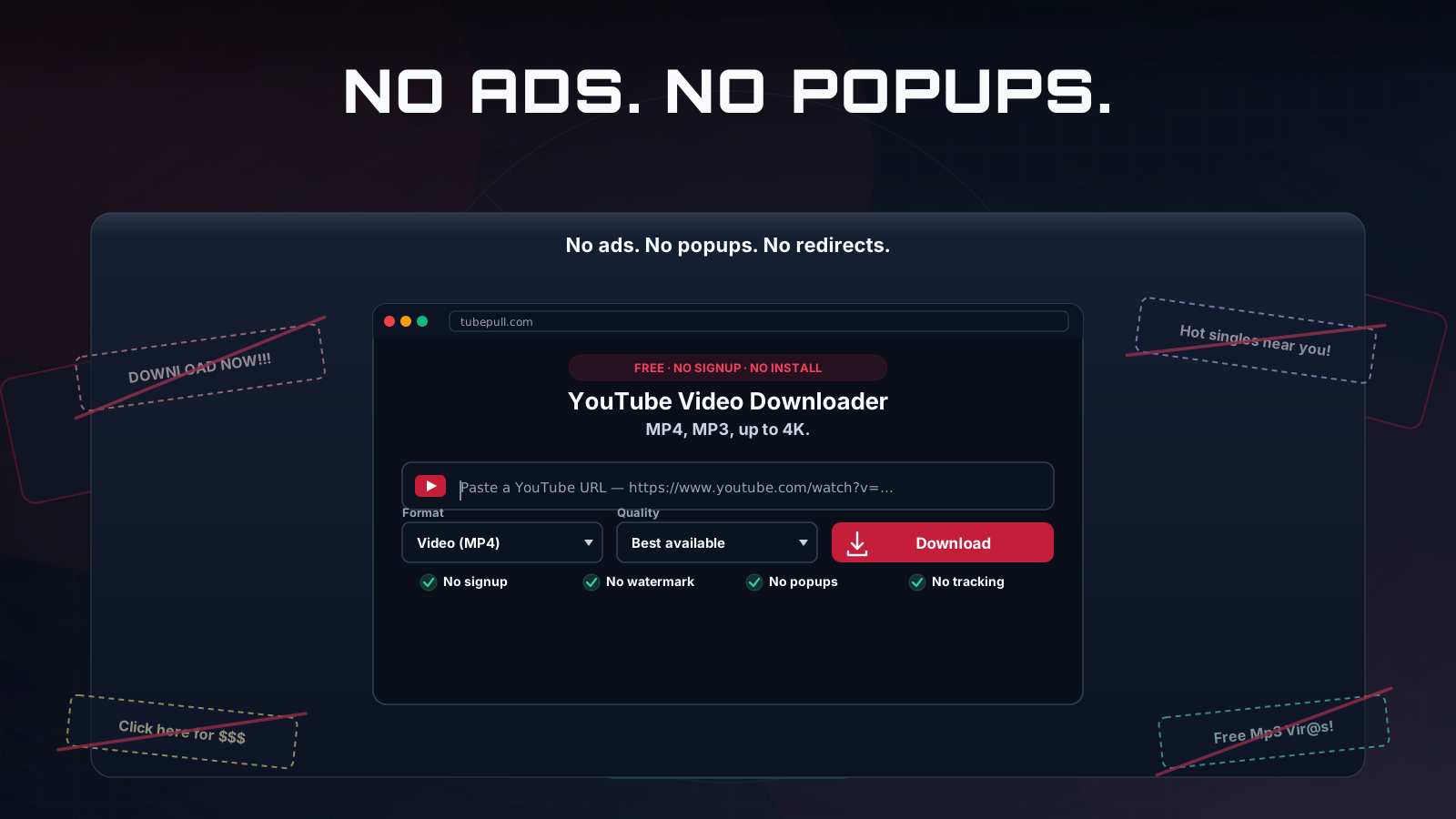
Many free YouTube to MP4 sites make their money from pop-under ads, "allow notifications" prompts and decoy Download buttons that lead to software bundles. TubePull has none of these. The free plan is paid for by the optional Pro subscription, not by advertising, so the only Download button on the page is the real one. For a side-by-side look at the alternatives, read the YouTube downloader comparison or our guide to whether Y2mate is safe.
Works on iPhone, Android, Mac and Windows
TubePull runs in the browser, so the same page works on every device. On iPhone and iPad, Safari saves the MP4 to the Files app under Downloads. On Android, Chrome saves it to your Downloads folder. On a computer it lands in your usual Downloads folder.
Want the full background on formats, quality and how converters compare? Read our guide to the best free YouTube to MP4 converters. TubePull also covers every other YouTube download from the main YouTube video downloader.